

Hand-built allocation table
The weekly allocation table was stitched together by hand from four sources: Salesforce bookings, SAP Webi product ranging
From email chains to in-store visibility.
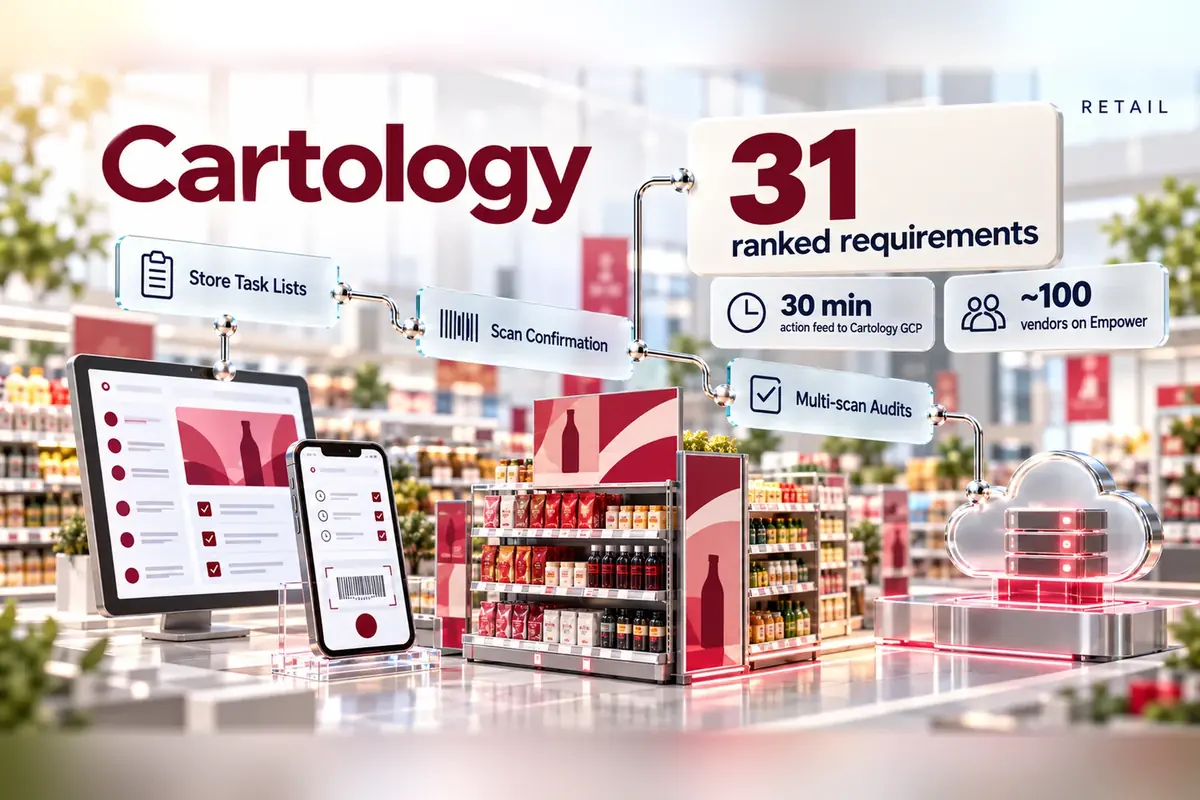
We designed a proposed digital workflow that brings Cartology's in-store POS campaigns into Compass, the Woolworths field rep app, so campaign briefs become store tasks and every scanned action feeds Cartology's Google Cloud Platform every 30 minutes.
What stood in the way.
Every week new POS campaigns went into Woolworths stores and expired ones came out, coordinated by email across five parties. Briefs went to agencies by email, reps logged actions in each agency's own system
The weekly allocation table was stitched together by hand from four sources: Salesforce bookings, SAP Webi product ranging
Missing ranging lists delayed the build, and copying last week's sheet let jobs move between weeks and made data easy to get wrong.
One-line codes such as "PROD NOT RANGED" gave no way to tell whether to reprint, re-range or escalate.
Each agency returned results in its own format, so buying support reshaped every file before Cartology could use it.
How we answered it.
The proposed design reuses Compass's existing task-list framework: the brief becomes tasks, reps act by scanning, and every action flows to Cartology's Google Cloud Platform. Campaign dates decide the task
The parts that made the difference.
Before any build, Cartology fixed one brief and results format for all agencies, keyed on the Booking Number (WOW code) printed on every artwork so barcodes can replace images.
Install, audit and removal tasks appear with dates and in-store location, in Installation and Audit tabs beside the usual availability alerts.
Reps answer yes, take a photo and scan the barcode. If they cannot install, they pick a reason, and the scan button appears only when the reason needs it.
Non-installation reasons were rebuilt with follow-up questions, photos, named store contacts and comments, so Cartology can see what to fix.
What changed for the client.
The design turns campaign execution into one data loop: brief in, scanned actions out, results in Cartology's GCP on a 30-minute feed. These are design objectives: the project records do not quantify post-rollout performance.
What it was built with.
Part of our data engineering work.
Related projects.
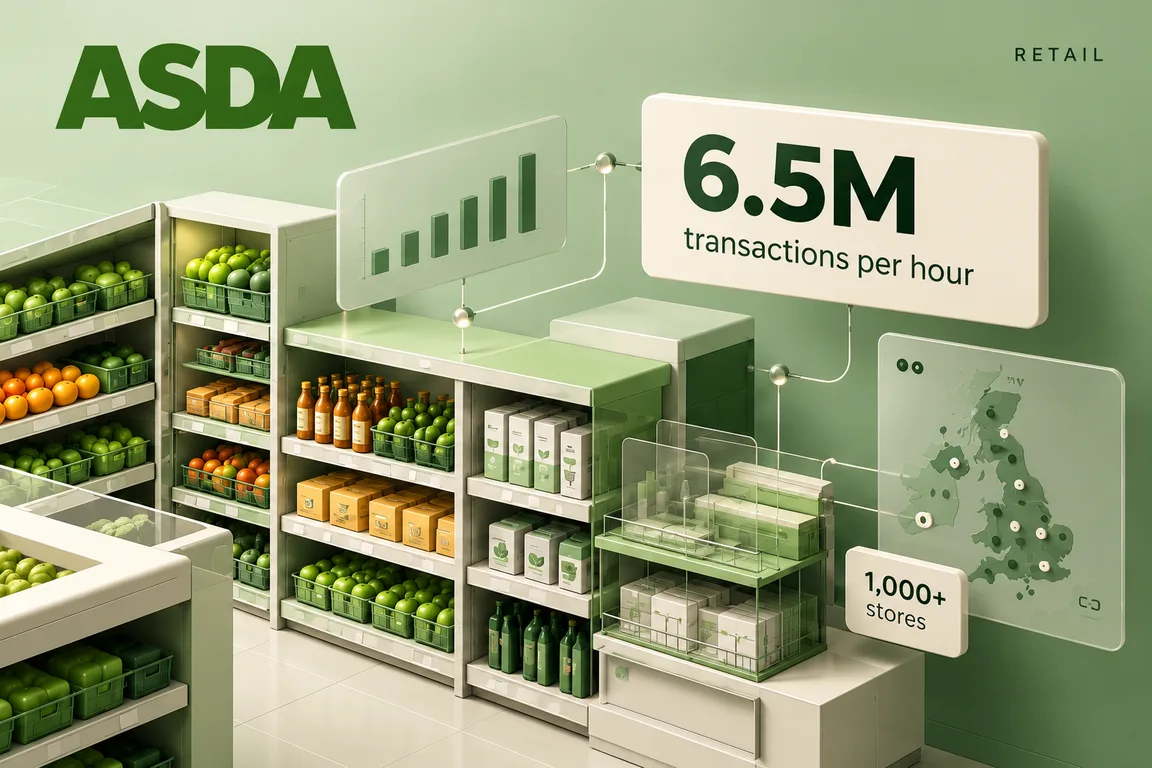
Real-time retail, at scale.
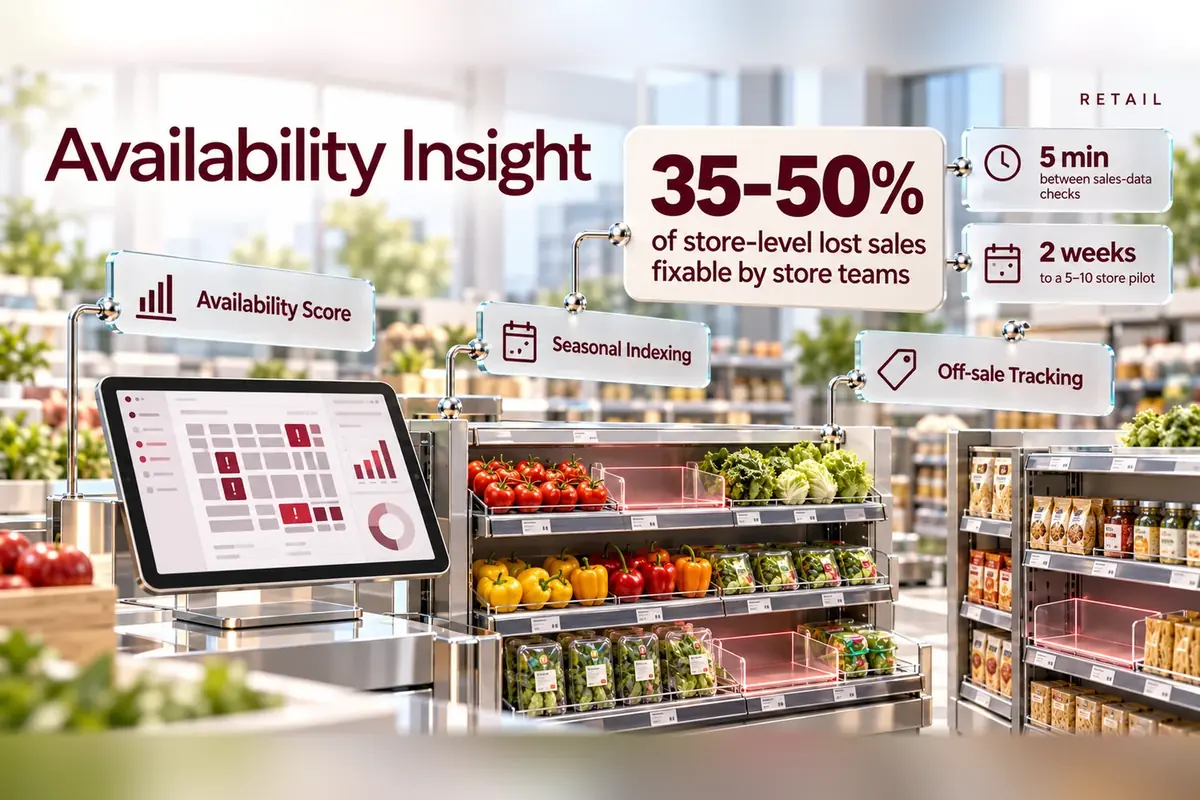
Finding empty shelves sooner.
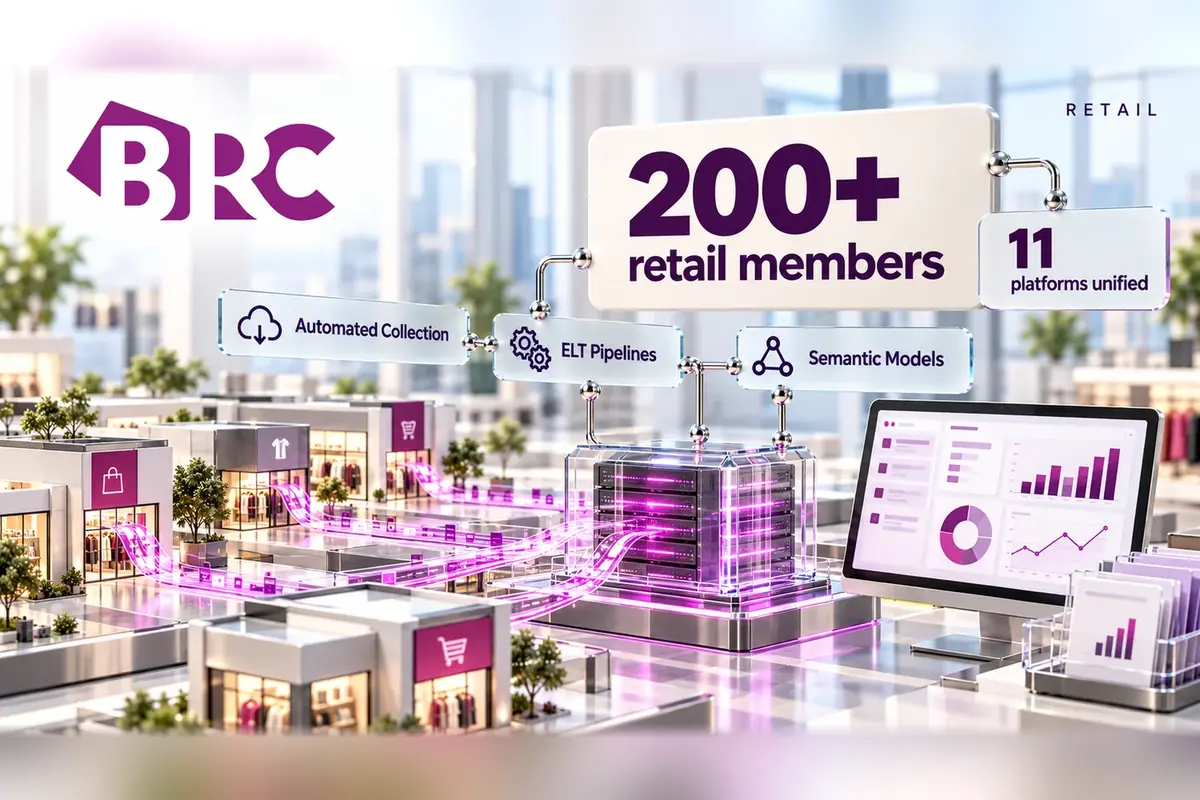
Retail intelligence, brought together.
The next big thing starts with a conversation.
An idea, a challenge, a “what if”. Tell us what you have in mind, and we’ll figure out the next step together.
What happens next
Find us on